WEEKO FOR MAC
Four focused tools for everyday work on Mac
Manage clipboard history, protect focus time, finish captures, and work with color through clear, local-first workflows.
No account required. Core content is processed and stored on your current Mac by default.

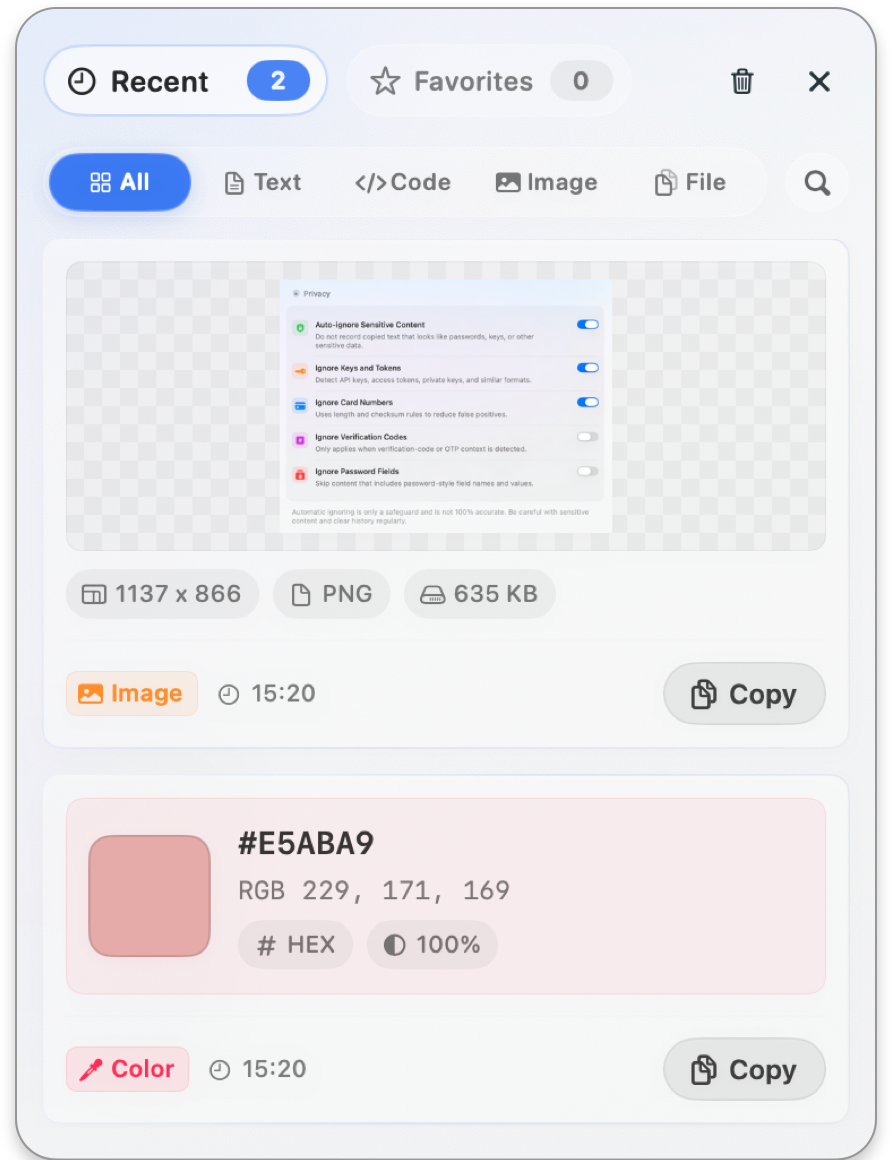
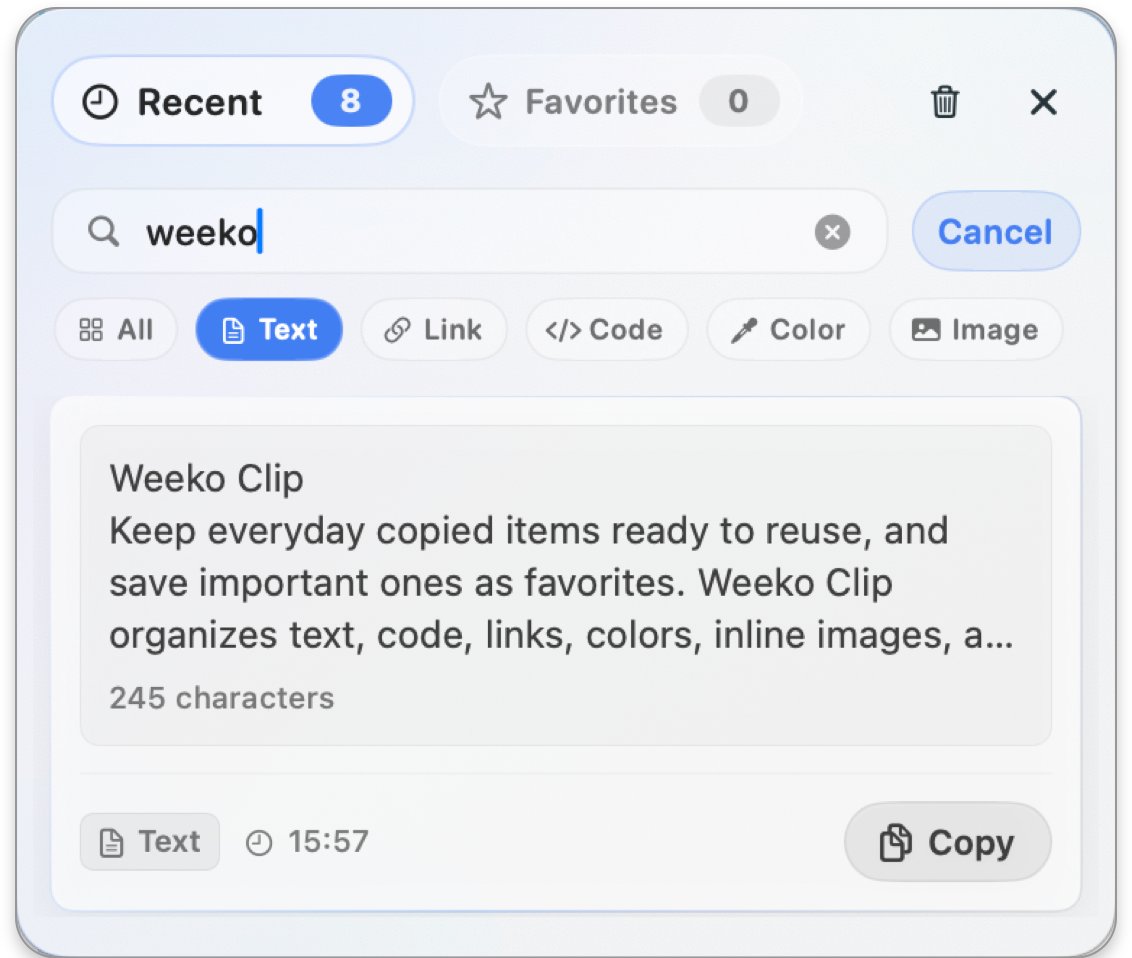
Weeko Clip
Make copied content easier to use again.
Search, preview, favorite, and reuse clipboard history stored on your Mac.
Keep recent copies close, favorite what matters, and search across the content you saved on this Mac.
- Recent and favorites
- Search and preview
- Eight content types
- Local privacy controls
Weeko Focus
Put focus and breaks in the menu bar.
Run focus sessions and breaks from the menu bar, with local goals and history.
Shape focus, short breaks, long breaks, and daily goals around the way you actually work.
- Menu bar control
- Custom focus rhythm
- Full-screen rest
- Local history
No account required. Core content is processed and stored on your current Mac by default.
Weeko Shot
Capture, annotate, and deliver in one flow.
Capture, annotate, pin, recognize text, and finish screenshots in one flow.
Capture windows or regions, mark the important parts, and move from image to useful output without switching tools.
- Capture and annotation
- MP4 and GIF recording
- Text and QR recognition
- Local media library
No account required. Core content is processed and stored on your current Mac by default.
Weeko Color
From a screen pixel to a usable format.
Pick screen colors, build tonal scales, check contrast, and keep reusable palettes.
Read a precise pixel, generate a useful color system, and check contrast before color reaches the interface.
- Precise screen picker
- 22 output formats
- Tonal scales and palettes
- WCAG contrast checks
No account required. Core content is processed and stored on your current Mac by default.